 Cadrilo
Follow
the light.
Press Smart Compose, and Cadrilo reads the scene in front of you, then lights up the best position in the viewfinder. Move with the light. The moment you line up, it sets the zoom and chooses the film for you.
One composition, three moments.
No rule of thirds to remember. No trial and error. The light appears only while the AI is working. The rest of the time, it is simply a quiet camera.
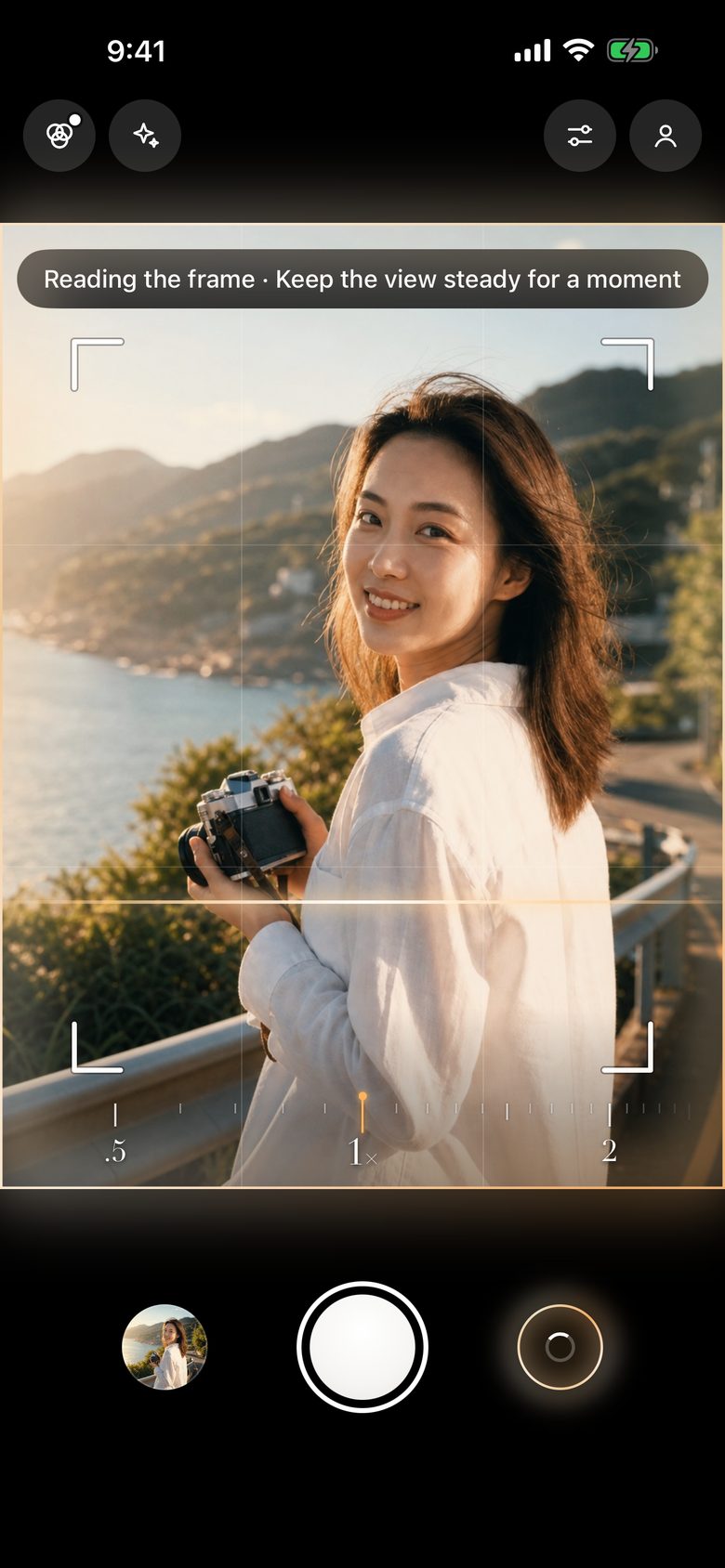
01Analyze
A band of light sweeps the frame and reads the subject, the negative space and the lines. It takes about a second, all on your phone.
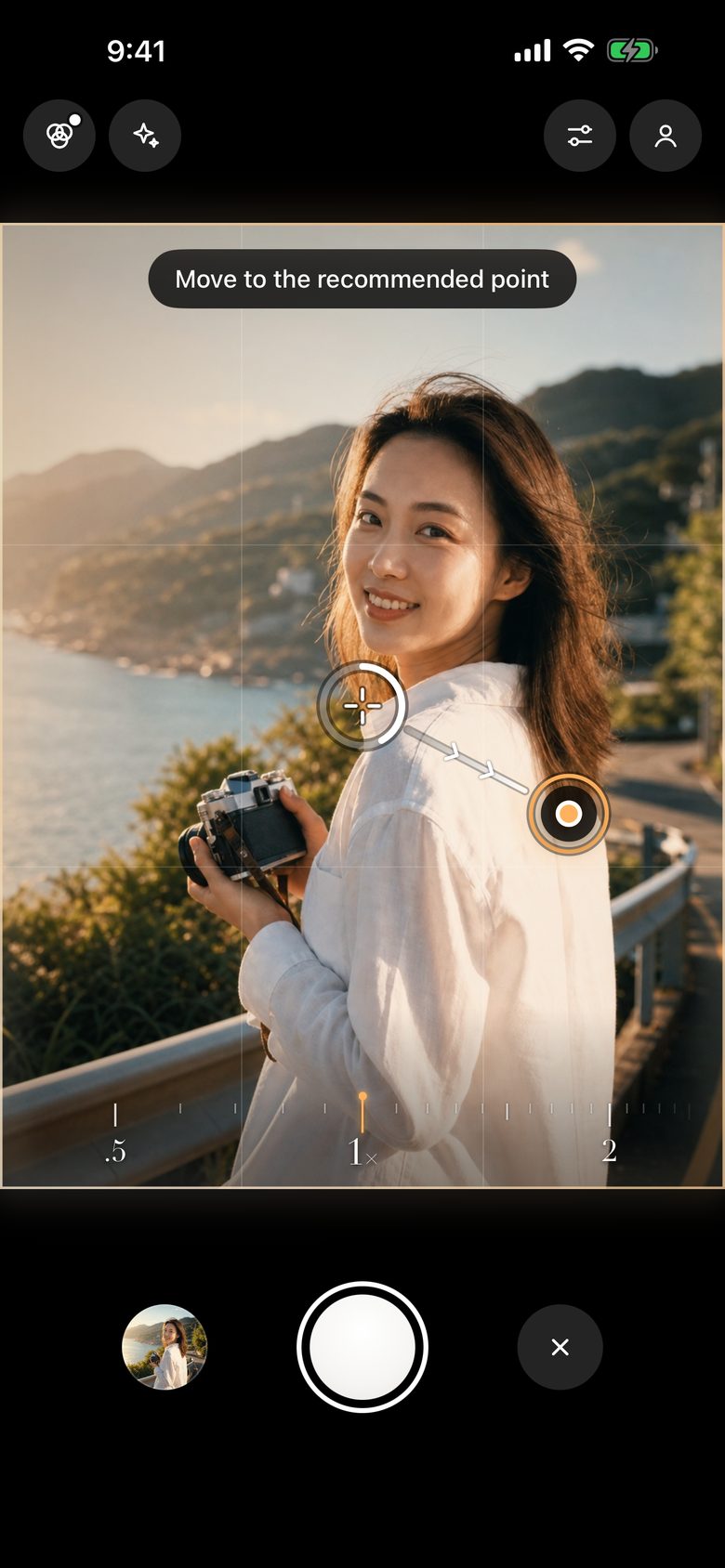
02Guide
The suggested point glows amber. Move the center of the frame onto it. When the ring fills, you are lined up.
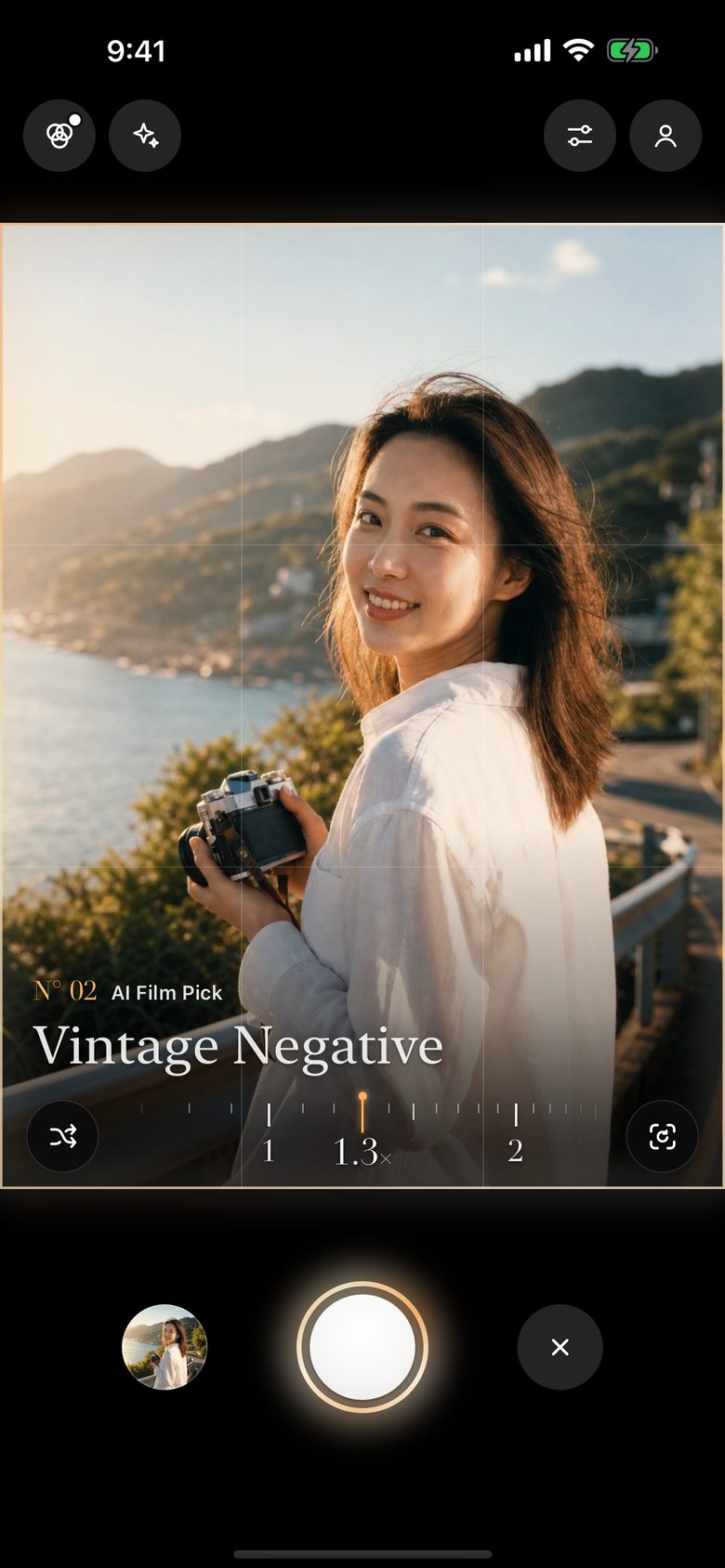
03Ready
It zooms to the suggested framing and picks a film for the scene, credited on the image like a title card. Then just press the shutter.
You choose
the subject.
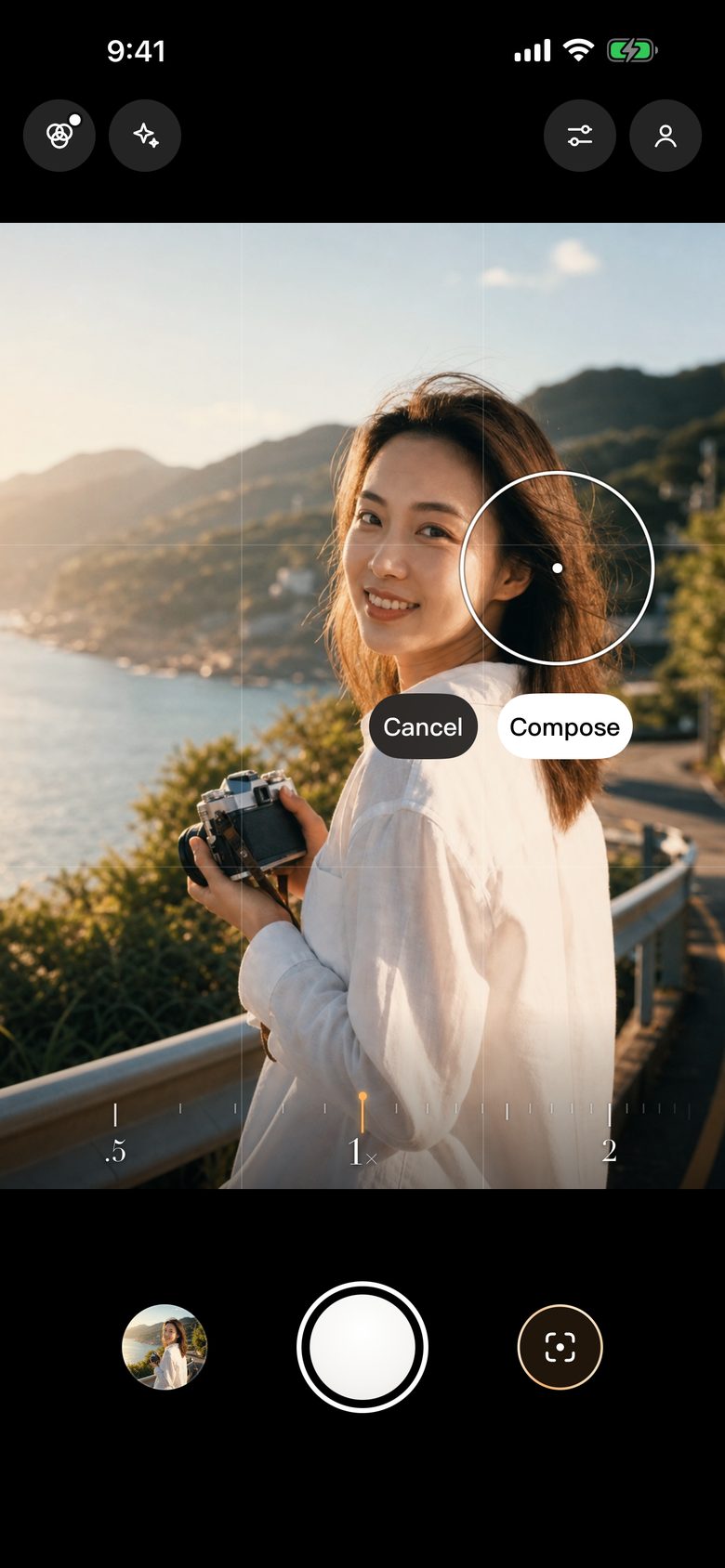
Is the AI looking at something other than what you want to shoot? Press and hold it in the frame. Cadrilo focuses there; tap Compose and it frames around the subject you chose.
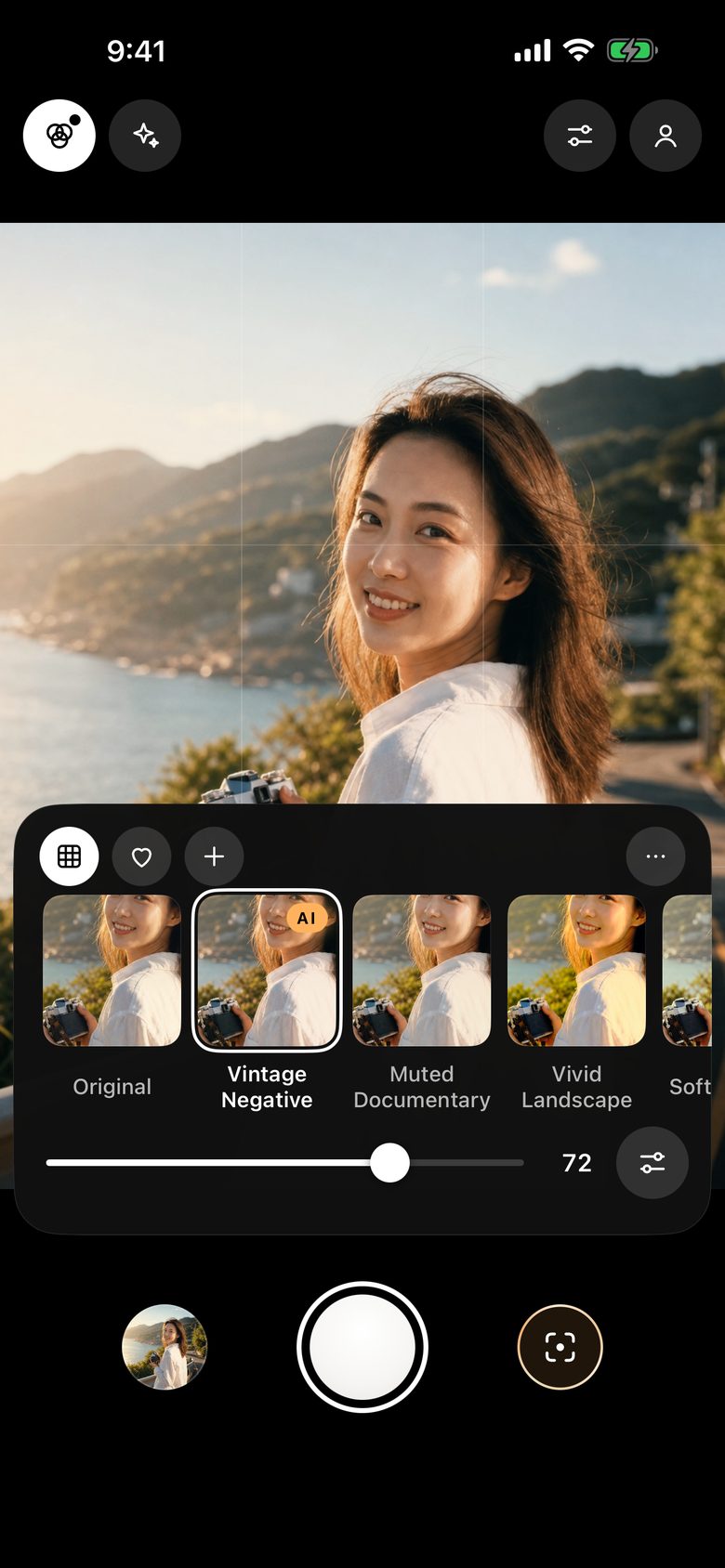
Seven films,
seen before you shoot.
Every card is your frame, live. Strength is remembered for each film, nine fine adjustments are saved with it, and you can import your own .cube LUTs. Turn on AI suggestions, and Cadrilo picks one for the scene when you are ready.







A camera should
just be a camera.
- All on your phone. Composition analysis, film color and image processing all run on the device. Shooting works offline, and your photos never leave your phone.
- No account. No sign-up, no sign-in, no membership.
- No data collected. No analytics, no ads, no third-party tracking.
- Location off by default. If you turn it on, where you shot is written only into the photo itself.